GTA 6 Update 01.002.001 Arrives Before Launch Without Patch Notes
Reports describe a second pre-release update on November 16, around 602.5 MB on PS5. Rockstar has not published its changes, so performance claims remain unverified.
Referansı okuyun ⁇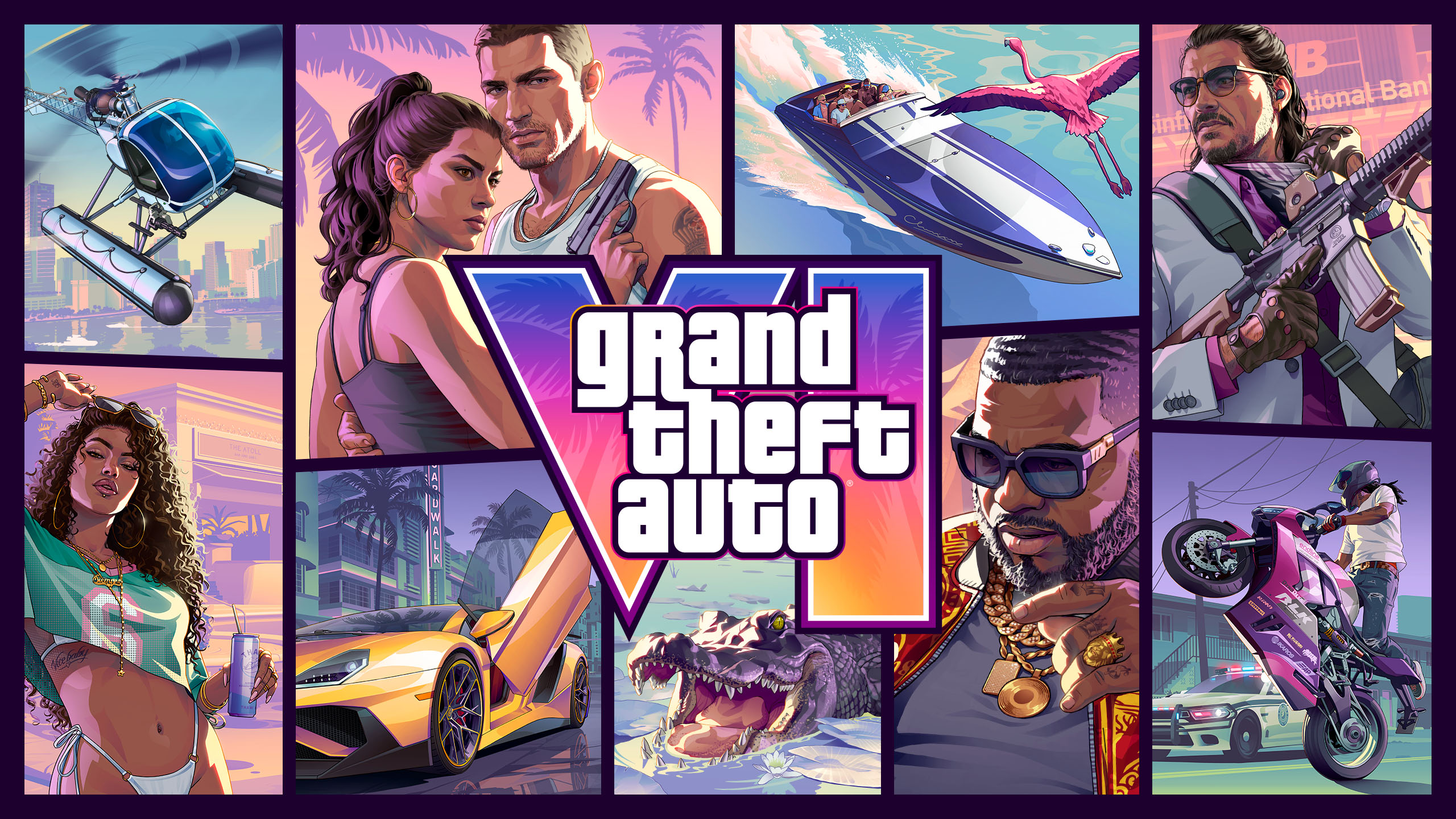
GTA 6 oyun çizim © Rockstar Games
A second update before release
VICE and GGRecon reported another GTA 6 download on November 16, 2026, identifying it as version 01.002.001. It arrived ahead of the November 19 release, showing that an installed preload can continue receiving files before players are able to start the game.
VICE describes this as the second pre-launch update, following version 01.002.000 on November 13 at roughly 1 GB. Both refer to the game installation. Sony’s separately issued PS5 firmware 14.23 is a different update for the console itself.
The reported PS5 download size
Both reports give approximately 602.5 MB for the PS5 download. GGRecon attributes that figure to the PlayStation Game Size account. It is a reported measurement rather than a Rockstar specification guaranteeing the same download for every device and installation state.
No unverified Xbox size is presented here. Nor should this increment simply be added to the previously announced 212 GB storage requirement to produce a supposed final installation size. Download size, installed size and working space during an update measure different things.
No published list of fixes
As checked on November 18, no verifiable Rockstar changelog explains these two versions. The reports establish an update sequence and version numbers, but they do not demonstrate that a particular mission bug, visual issue or performance problem has been fixed.
Claims that this download unlocks content or improves frame rates therefore need separate evidence. A small or large download is not enough to identify what changed. The useful record at present is the release sequence, pending a documented list of changes.
What to check after preloading
The outlets advise PS5 owners to highlight GTA 6, press Options and select Check for Update. Afterwards, inspect the download queue for any installation still waiting to finish. Even with automatic downloads enabled, a final manual check can reveal unfinished tasks.
Leave the console in a connected power state that permits downloads if more files are expected. Completing an update does not grant early access: the purchase still follows its platform and regional release schedule. If the console shows a different version, use its current prompts and official support information.